I'd highly recommend to go through the tutorials first before jumping the gun and adding your custom things. It'll be much easier once you've seen the whole picture :)
Check out the documentation on player/camera controls, it has information on using custom controls (and some examples for camera control wrappers).
Generally, when using a custom control, that's all up to that control - all ORK needs is to know about the control to be able to block/unblock it when needed. By letting ORK know about the component for your controls, ORK can enable/disable the component. If the control has some special setup (e.g. camera tracking the player or a player control needing to stop something when blocked), you can use a 'wrapper' component that works between ORK and your control components to handle that special setup, but that's only needed if you don't want to mess with (or can't due to no script access) the actual control components.
As for how ORK handles those things - that depends mainly on your setup, e.g. which battle system are you using, how should actions be started, etc.
E.g. for a battle menu driven combat, actions are fired from the battle menu and animated using their schematics, which also handle when the damage is done, etc.
Or, for action combat, you can map actions to input keys via control maps (Base/Control > Control Maps).
The player control is not really connected to those, as that's just used to move the player around.
Movement animations can be handled in different ways, depending on your setup or goal one or the other might be better:
Auto animations: Set up in the combatant's settings (or general combatant settings for all), automatically play idle/movement animations based on the move speed of the combatant.
This is best suited for legacy animation systems and more 'classical' battles where player and enemy groups face each other off, so not that good for action battles.
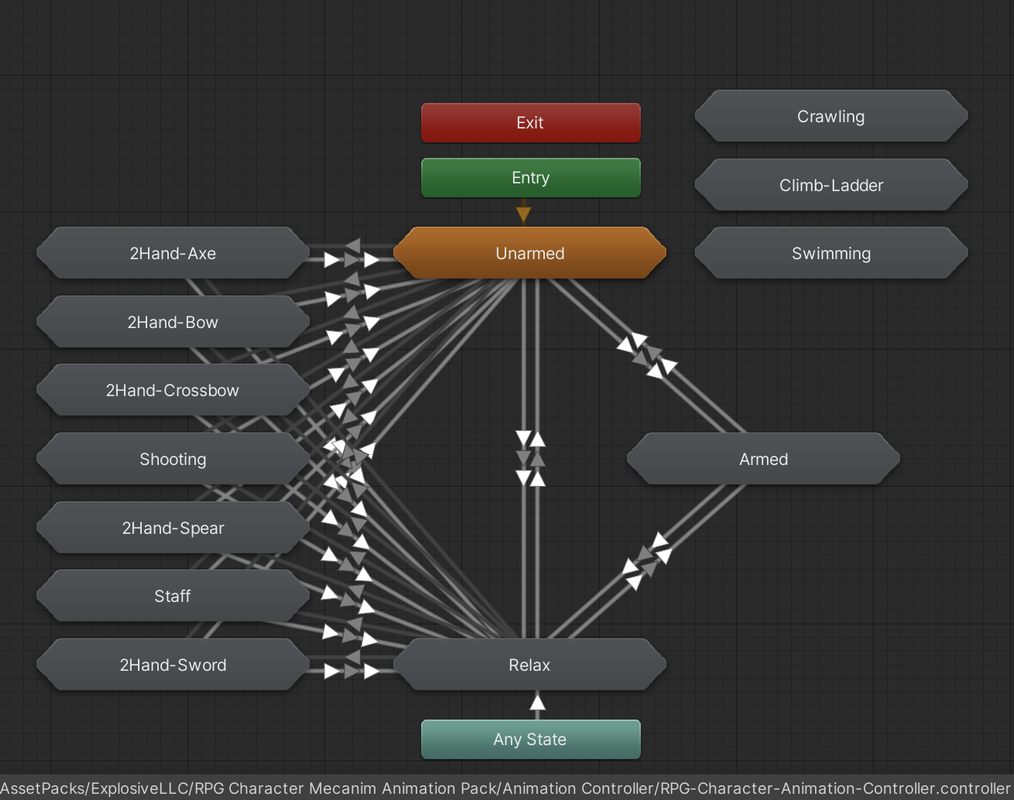
Mecanim Parameter Forwards: Forward movement information in the Mecanim animation setup in ORK, i.e. move speed, rotation, etc.
Based on that the animator controller can play animations as needed. Naturally, this is only used for Mecanim animation systems.
When using root motion, this'll not work that well, though - since the move speed comes from movement, so getting it moving wouldn't really be possibel when the movement comes from the animation.
For this, the Button player control has a Mecanim Root Motion move type, where the control can forward the speed it wants to move at to the animator. This is e.g. used in the 3D Action RPG tutorials.
Custom Solution: You can naturally handle this any other way as well, e.g. via schematics (e.g. via a tick machine on the combatant prefabs) playing animations or custom scripts.